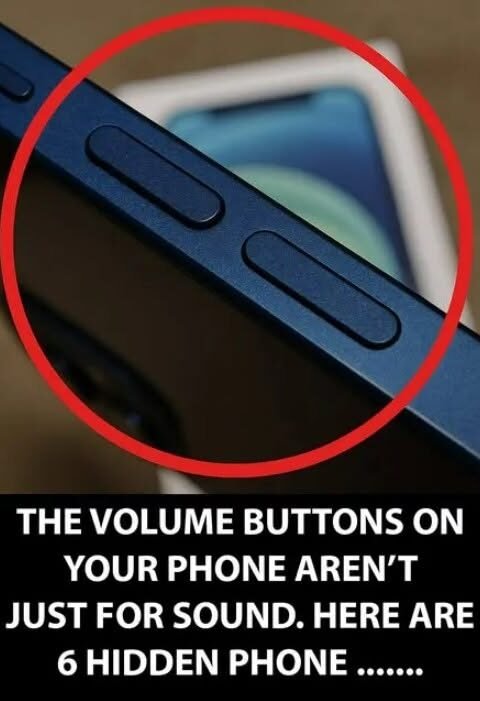
Hidden Smartphone Tricks You Probably Didn’t Know You Could Use 📱
Here are some genuinely useful smartphone tricks that many people overlook:
-
🔍 Search inside Settings — Instead of digging through menus, use the Settings search bar to jump directly to things like battery, hotspot, permissions, or notifications.
-
📸 Scan documents without an app — iPhones and many Android phones can scan a paper document directly from the camera or notes/files app and turn it into a PDF.
-
🔦 Change flashlight brightness — On many phones, press and hold the flashlight icon in Control Center/Quick Settings to adjust its intensity.
-
📋 Copy text from photos — Modern phones can recognize text in screenshots and photos, letting you copy phone numbers, addresses, or paragraphs without typing them.
-
🔎 Use your camera as a magnifying glass — Both iOS and Android offer accessibility magnification features that can make tiny text much easier to read.
-
🎙️ Type by speaking — Tap the microphone on your keyboard and dictate messages. It can be surprisingly accurate with punctuation and longer sentences.
-
↩️ Undo typing quickly — On iPhone, a three-finger swipe left can undo text; a three-finger swipe right can redo it.
-
📱 Split-screen on Android — Many Android phones let you run two apps simultaneously, such as YouTube on top and WhatsApp underneath.
-
🖼️ Extract objects from photos — On supported phones, you can press and hold a person or object in an image to isolate it from the background.
-
🔐 Lock individual apps — Some Android manufacturers and newer Android versions offer app-locking features, while iPhone supports locking certain apps with Face ID/Touch ID.
-
🗺️ Share your location temporarily — Instead of constantly explaining where you are, use your phone’s location-sharing feature to let someone follow your position for a limited period.
-
🔋 Find what’s draining your battery — Battery settings usually show which apps have consumed the most power, helping identify unusually demanding apps.
-
📞 Silence unknown callers — iPhones and many Android phones can automatically silence or filter calls from numbers you don’t recognize.
-
🌙 Make your screen easier on your eyes at night — Night Shift, Night Light, or similar features can reduce blue-toned light and automatically activate on a schedule.