What Does the Green Dot on Your Android Phone Mean?
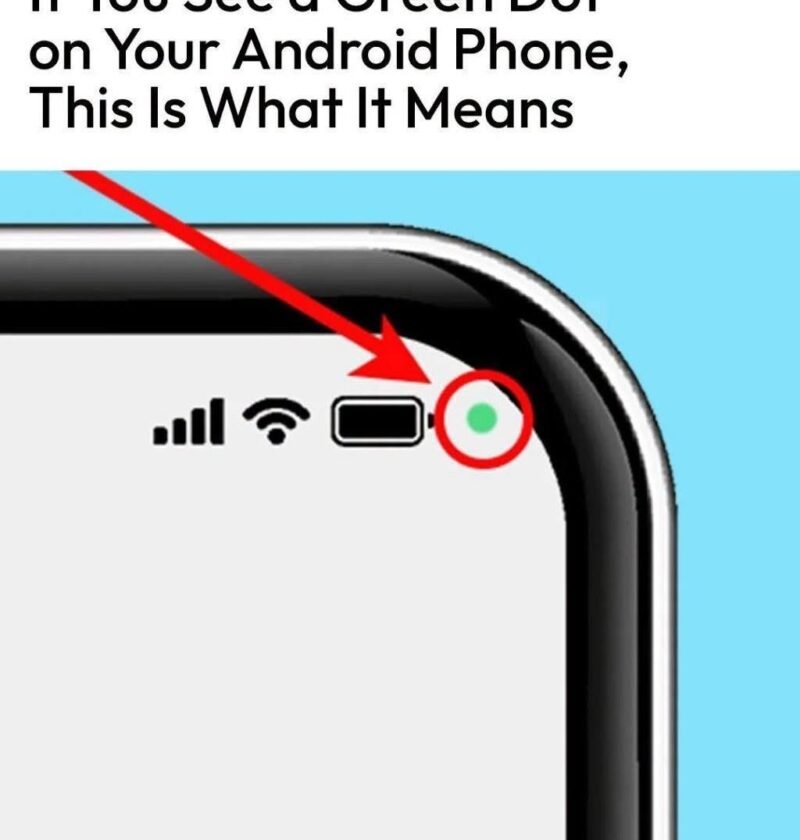
Have you noticed a small green dot in the upper-right corner of your Android phone? Don’t worry—it’s usually a privacy feature, not a warning.
What Does the Green Dot Mean?
On many Android phones, the green indicator appears when an app is using your camera or microphone. It helps you know when these sensitive features are active.
For example, the dot may appear when:
- You’re making a video call
- You’re taking a photo or recording video
- An app is using your microphone
- You’re using voice or audio features
How Can You Check Which App Is Using It?
On many Android devices, swipe down from the top of the screen to open the Quick Settings or notification panel. Tapping the privacy indicator may show which app recently accessed the camera or microphone.
You can also check your phone’s Privacy settings to review camera and microphone permissions.
What If You Don’t Recognize the App?
If an unfamiliar app appears to be accessing your camera or microphone, review its permissions and remove access if appropriate. If you don’t need the app, consider uninstalling it.
Bottom line: The green dot is generally Android’s way of letting you know that your camera or microphone is being accessed. It’s a useful privacy reminder—not something you need to panic about.