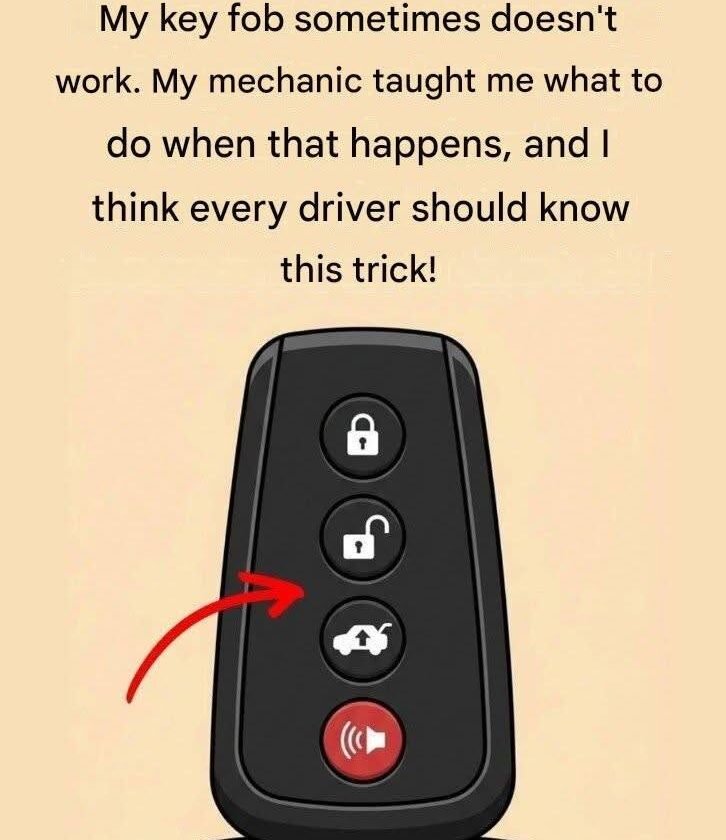
The headline “Try these hacks when your key fob stops working” is a refreshing break from medical scare tactics, diving straight into everyday automotive frustration. When your key fob suddenly refuses to unlock your car doors or start the engine, it usually happens at the worst possible moment—leaving you stranded in a parking lot wondering if your car’s electrical system is dying.
Before you panic, call a locksmith, or pay for an expensive dealership reprogram, let’s look at the mechanical and electrical reality of how key fobs work—and the practical troubleshooting steps that actually solve the problem.
Why Key Fobs Fail (And What to Do)
Modern key fobs are essentially miniature radio transmitters. When they fail, it is almost never because the vehicle “forgot” the key or because the fob’s internal computer broke down. It usually comes down to three basic culprits: a dying battery, radio frequency interference, or mechanical physical wear.
Here are the practical, evidence-based steps to troubleshoot a failing key fob:
1. Check for Environmental RF Interference
-
The Reality: Key fobs operate on specific radio frequencies (typically around 315 MHz or 433 MHz). If you are parked near high-voltage power lines, cell phone towers, military bases, or even certain industrial security gates, ambient radio frequency (RF) interference can drown out your fob’s weak signal.
-
The Fix: Move the fob right up against the driver’s side door or even touch the fob directly to the start button (or hold it against the steering column where backup transponder coils are hidden). This bypasses ambient interference by using near-field communication.
2. Inspect and Replace the Coin Cell Battery
-
The Reality: The number one reason fobs fail is a simple, exhausted CR2032 or CR2025 lithium coin cell battery. As batteries drain, they can still power the tiny LED light on the fob (giving you false hope), but they lack the voltage required to transmit a strong radio signal to the car’s receiver.
-
The Fix: Pop open the fob casing (usually with a small flathead screwdriver or coin), note the battery model number, and swap it out. Keeping a spare battery in your glove compartment takes away entirely guesswork.
3. Use the Mechanical Emergency Key Inside the Fob
-
The Reality: Almost every modern “smart key” or electronic fob contains a hidden physical metal key tucked inside its plastic housing. Drivers frequently forget it exists because it rarely sees the light of day.
-
The Fix: Slide the release latch on your fob to pull out the metal key. Look closely at the driver’s door handle; many modern cars hide the physical key cylinder behind a small plastic cap. Pop the cap off with the tip of the key, insert it, and manually unlock your door to gain entry.
4. Clean Internal Contact Corrosion
-
The Reality: If your fob has ever been dropped in water, exposed to high humidity, or lived in a damp gym bag, microscopic corrosion can form on the internal battery contacts, blocking electrical current.
-
The Fix: Open the fob shell, remove the battery, and gently clean any white or green powdery residue off the metal contacts using a cotton swab dipped in a tiny drop of rubbing alcohol. Once dry, reassemble it.
The Takeaway
When your key fob stops working, skip the internet myth of wrapping your key in aluminum foil or holding it under your chin like a magical antenna. Start with the most likely mechanical reality: swap the coin cell battery, check for physical damage, and find your hidden mechanical emergency key.