📱 Hidden Smartphone Tricks You Probably Didn’t Know You Could Use
Here are some genuinely useful features hiding in plain sight:
-
🔎 Search your phone instantly: On iPhone, swipe down on the Home Screen; on Android, use the system search to find apps, settings, contacts, and more.
-
📸 Scan text with your camera: Modern phones can recognize text in photos, letting you copy phone numbers, addresses, or notes without typing them.
-
🔦 Adjust flashlight brightness: Many newer phones let you press and hold the flashlight icon to choose a brightness level.
-
🔙 Use the back of your phone: Some iPhones support Back Tap, allowing a double- or triple-tap on the back to trigger actions. Certain Android phones offer similar gesture features.
-
🧹 Free up storage: Check your phone’s storage settings to identify large videos, duplicate photos, and unused apps.
-
🌐 Share Wi-Fi without typing the password: iPhones and many Android devices can share Wi-Fi credentials through built-in sharing or QR-code features.
-
🖼️ Take a screenshot of an entire webpage: Many phones let you choose a full-page or scrolling screenshot rather than capturing only what’s visible.
-
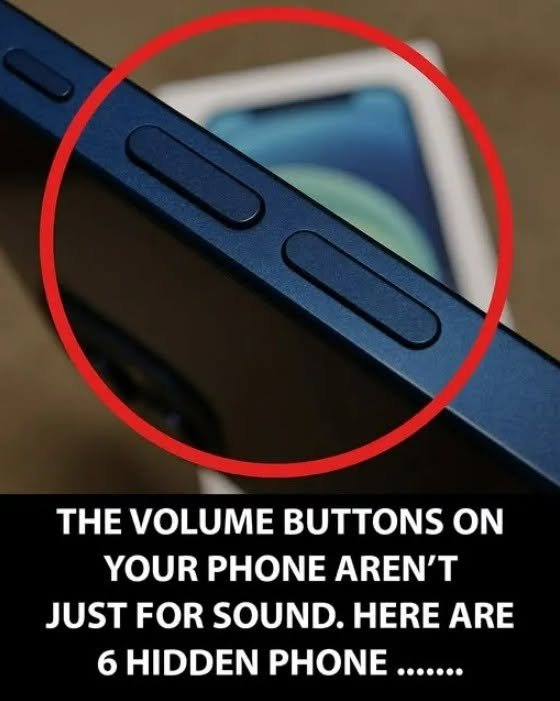
🔇 Quickly silence calls: Pressing the volume or power button can silence an incoming call without rejecting it, depending on the phone.
-
🧭 Use your phone as a level: The iPhone’s Measure app includes a built-in level, while some Android phones have equivalent tools.
Tip: Exact features vary by your phone model and operating-system version, so a trick available on one device may not appear on another.