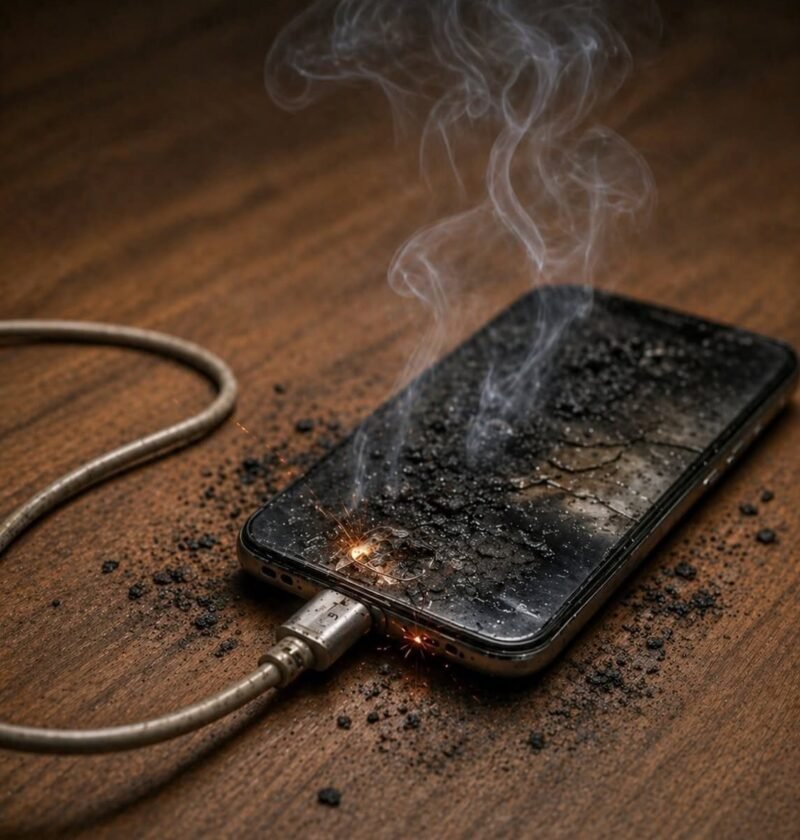
It looks like your message or the post you’re referring to was cut off (“…see more”), so I can’t see the exact charger setup or photo you mean. Because charger mistakes often involve electrical or heat hazards, here is how to check your setup safely right away—and if you share a photo or describe what the charger looks like, I can give more specific help.
Electrical and Fire Safety
Unplug damaged, overheating, or frayed chargers immediately before handling or inspecting them closely. Do not use a charger that shows exposed wires, melted plastic, scorching, or a burning smell.
Common Charger Placement & Handling Mistakes to Avoid
-
Sharp bends near the plug or connector: Tightly kinking or bending the cable right where it meets the wall plug or phone/device tip stresses internal wires and can cause shorts, sparks, or overheating.
-
Wrapping cables tightly around the brick: Winding a cord tightly around the power adapter puts constant tension on the strain relief and traps heat. Loop cables loosely instead.
-
Covering the charger brick: Leaving a charging brick under pillows, blankets, beds, or thick clutter traps heat and can cause it to overheat. Keep it in open air.
-
Loose outlets or awkward angles: A heavy charger hanging out of a loose wall socket can slip partway out, creating arcing, heat, or damage to the prongs and outlet.
-
Using damaged or wet cords: Cracked insulation, exposed copper strands, bent prongs, or moisture near the plug or port are immediate replacement triggers.
1.Unplug and Check for Damage:Safety first.
Pull the charger straight out from the wall outlet by the solid plug housing—not by yanking the cord—and inspect the cord, connector tip, and prongs.
Verification: The outer jacket is intact with no fraying, kinks, scorch marks, or exposed wires, and the prongs are straight.
2.Check Temperature and Smell:1 min.
If the charger was recently plugged in, feel the adapter brick lightly and check for any unusual odor.
Verification: The brick feels only mildly warm—not hot to the touch—and there is no burning or acrid plastic smell.
3.Route the Cable with Slack:1 min.
Plug the adapter firmly into a secure wall outlet in an open, ventilated spot, leaving gentle curves in the cable rather than sharp bends near either end.
Verification: The plug sits snugly in the outlet without wiggling, and the cord hangs or rests without sharp creases.
If you’re looking at a specific photo or social post, feel free to share or upload a picture of the charger setup and describe what looks concerning.